ACES: The Color Standard Every Compositor Actually Needs to Know
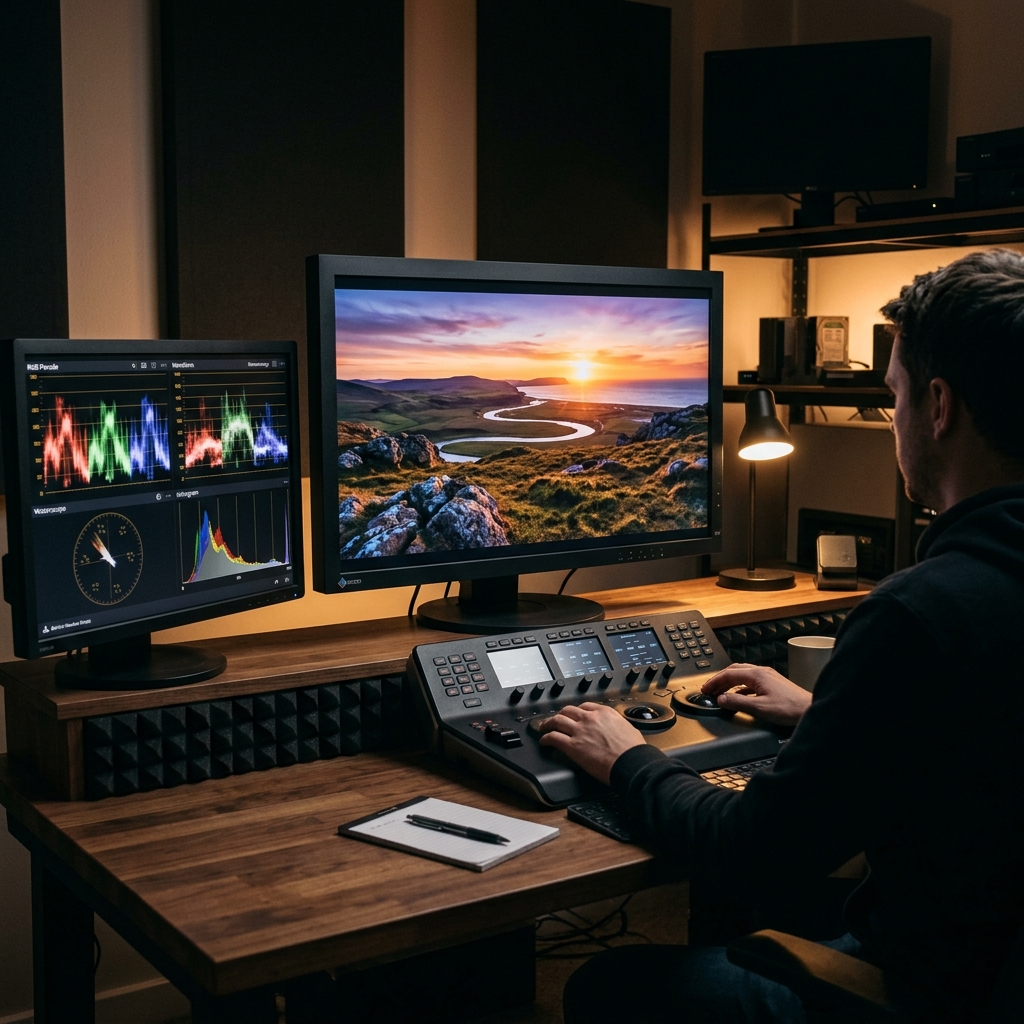
When I first started out in this industry, "Color Management" sounded like a dry, academic topic that I actively avoided. That is, until the day I delivered a CG-heavy plate that I’d stayed up all night compositing, only to walk into the color grading suite and realize the colors looked completely broken and off-tint on the client monitor.
That was a very expensive lesson. It was the day I realized that working without a unified color pipeline is like picking out your clothes in a pitch-black room and hoping they match when you walk out into the sunlight.
Setting up ACES and putting it at the core of my compositing changed how I think about and work on every single shot.
What is ACES, Really?
ACES stands for Academy Color Encoding System, developed by the Academy of Motion Picture Arts and Sciences (yes, the Oscars folks!). The core concept is incredibly friendly to artists: it establishes a mathematically sound, universal language for color across the entire production chain—from the camera capturing the footage to the lighting, CG, compositing, and final DI grading.
Before ACES, every studio ran its own proprietary, internal color pipeline. Transferring work between vendors was an absolute nightmare of constant recalibrations and visual guesswork. ACES was created to strip all that friction and exhaustion away.
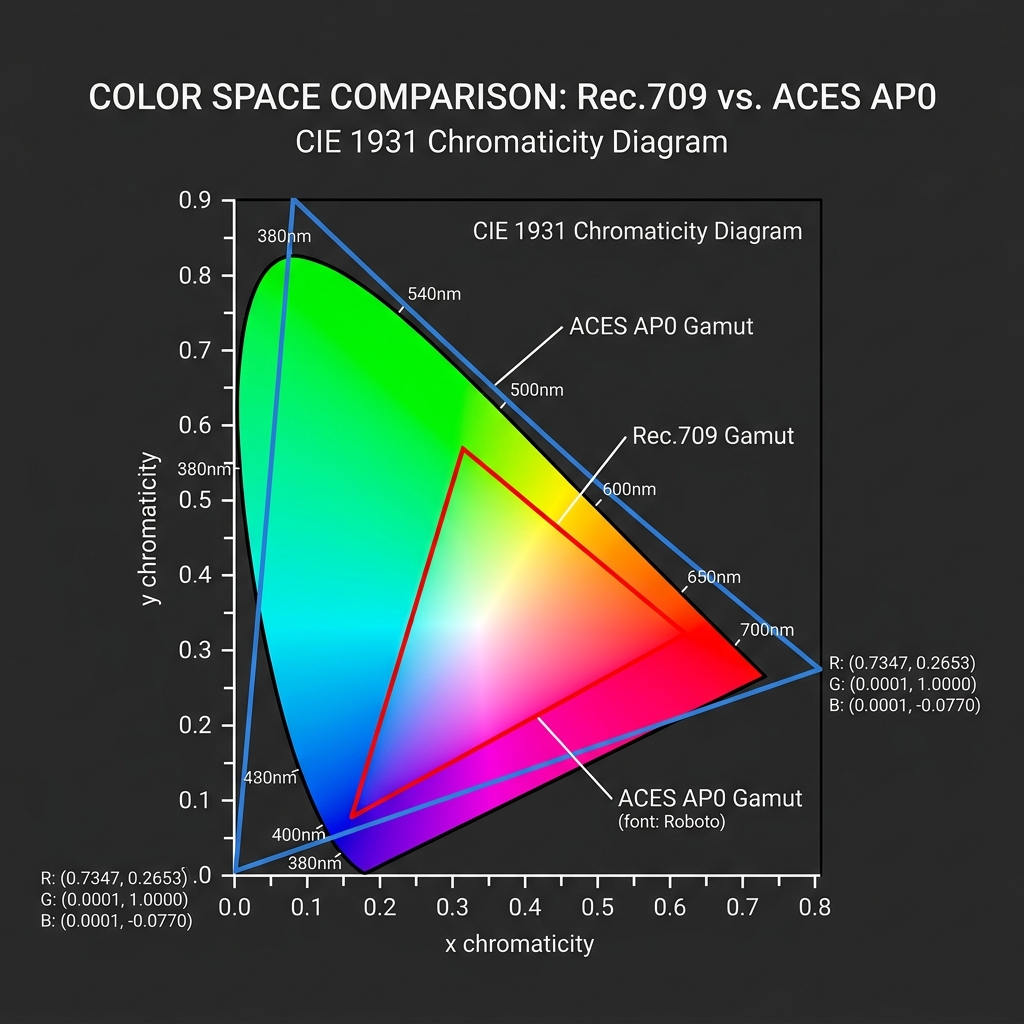
FIG_01: Chromaticity diagram comparing the small Rec.709 color gamut to the massive ACES AP0 space, which covers almost all human visible colors.
Why It’s a Life-Saver in Daily Compositing
For a compositor, the benefits of ACES are far from academic. It is a genuine life-saver in daily production:
- Physically Correct Linear Math: ACES provides a massive dynamic range linear working space. The interaction of light between CG renders and live-action plates behaves in a physically accurate way—saving you hours of tedious grade-node tweaking to make elements blend naturally.
- Goodbye Machine-Specific Color Dramas: Whether you are receiving a render from the lighting department, passing a comp to a colorist, or presenting to a director, everyone sees the exact same underlying color. The classic phrase I dread most—"Why does it look different on your screen?"—practically vanishes 555.
- Built-in Future Proofing: HDR, P3, Rec.2020—ACES stores enough color information that you can easily re-output for any current or future display standard without ever having to rebuild your composite from scratch.
Three Terms Worth Knowing
When working with an ACES pipeline, there are three primary components you need to memorize:
- IDT (Input Device Transform): Translates log footage from various camera manufacturers (like ARRI LogC, REDWideGamut, Sony S-Log) into the central, common ACES color space.
- ACEScg: The playground for compositors and CG artists. This is the custom color space optimized specifically for accurate light calculation, painting, and compositing inside Nuke.
- ODT (Output Device Transform): Converts the final ACES data back to what a specific output device can actually display, such as Rec.709 for computer screens, or P3-D65 for digital cinema projectors.
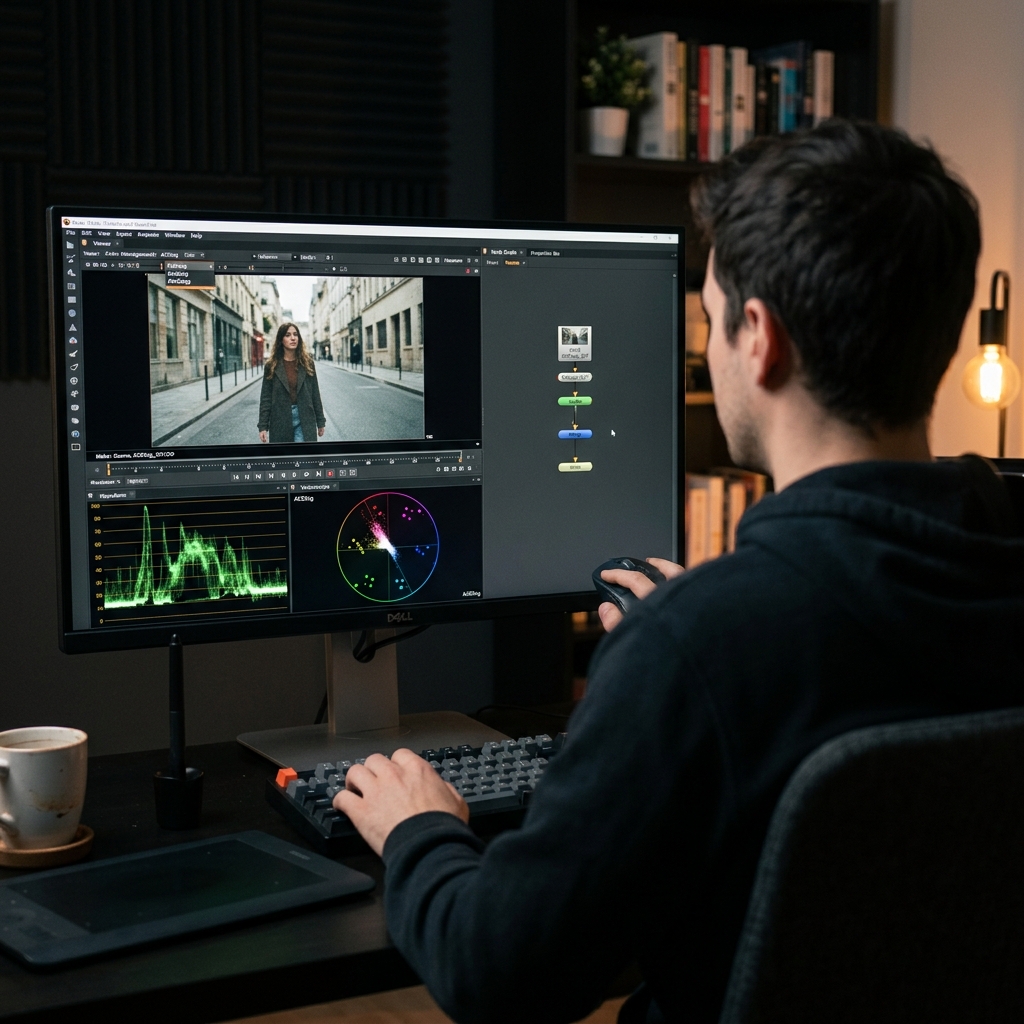
FIG_02: The Nuke workstation interface set to ACEScg color space, demonstrating correct waveform and vectorscope evaluations for highly precise compositing.
Getting Started Without Breaking Things
In the spirit of radical optimism, my advice is always: "Give it a try!" But keep this crucial warning in mind:
Never try to retroactively fit ACES into an active production in the middle of the project!
Aligning on a color pipeline is a foundational choice that needs to be agreed upon by lighting, CG, compositing, and color departments before a single frame is processed.
If you are starting a fresh project, grab the official OCIO config from acescentral.com, configure your Nuke preferences, verify your IDT setups with reference charts under controlled lighting, and involve your colorist as early as possible. Aligning on the final delivery ODT before you start will save you a massive amount of pain and sleepless nights later in the project.
ACES definitely has a learning curve at the beginning, but once the concept clicks, going back to working without color standards will feel like compositing with your eyes closed!