Training Your Digital Kitten: How Nuke’s CopyCat Can Save Your Compositing Workflow
Have you ever spent hours hunched over your desk, manually painting out blemishes or refining a rotoscoping mask frame-by-frame on a 300-frame shot, only to ask yourself: "How long am I going to keep doing this tedious, repetitive task?"
I'm willing to bet that every compositor has been there. When a shot gets sent back with the dreaded note "just adjust the roto slightly" right when the deadline is staring you in the face, you probably feel like turning into a cat and sleeping on your keyboard instead of doing the work 555.
But I'm not here to tell you to quit and raise kittens today. The engineers at Foundry have secretly delivered a "magic digital kitten" directly onto our Nuke screens. That tool is called CopyCat, and today I'm going to walk you through how this tool can become your ultimate secret weapon to lighten your daily workload and change your compositing workflow forever.
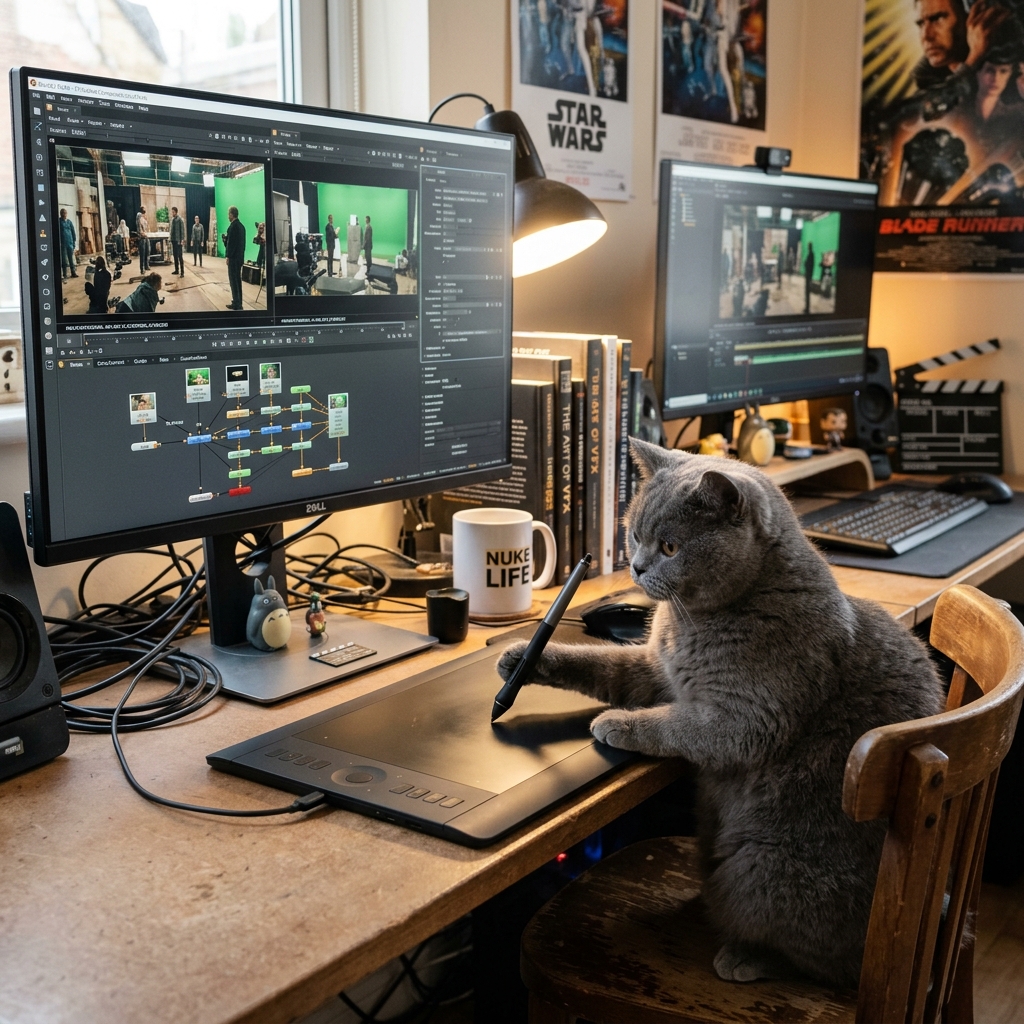
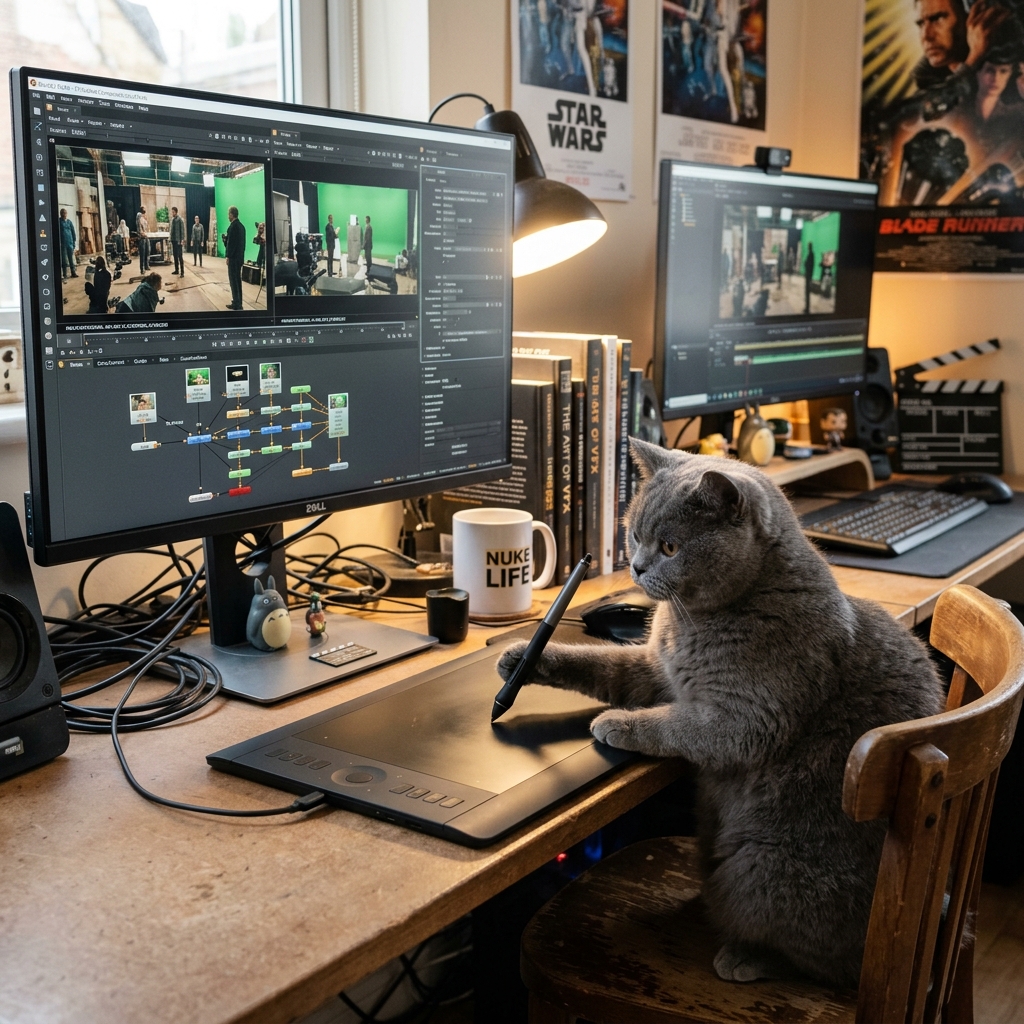
FIG_01: When we tell Nuke's CopyCat to do our compositing for us... A chubby gray cat playing the role of a seasoned compositor at a professional desk with a Wacom tablet!
🐈 Why is it Called "CopyCat"? (The Curious Kitten Analogy)
Before we jump into the underlying machine learning math, let's talk about the name. The development team at Foundry came up with a genuinely creative and playful branding strategy.
In English, a "copycat" is an idiom for "someone who mimics or copies someone else's behavior instinctively." It's like watching a curious little kitten sitting quietly in the corner, staring at you. It watches how you open a door or bat a toy around, and as soon as you look away, it jumps in and mimics (copycats) your behavior.
This is exactly how the CopyCat node works in Nuke!
- The Teacher: You act as the expert mentor. You demonstrate a perfect, clean example of your work on a handful of reference frames (like rendering clean paintwork or drawing a precise hair roto).
- The Kitten Learns: The CopyCat node plays the role of the curious kitten, comparing the differences between your raw footage (Input) and your corrected work (Ground Truth) to understand your decisions.
- The Kitten Takes Over: Once trained, it copies those exact choices and processes the remaining hundreds of frames for you!
💾 The Legacy of the .cat File
The playful theme goes even deeper. Once you finish training this neural network, its learned weights and parameters are exported into a proprietary file format with the .cat extension.
To use it in production, you simply create an Inference node, load your .cat model file, and watch your trained digital kitten sweep and clean the pixels across the shot without a single word of complaint 555.
⏳ The Origin Story of Our Digital Helper
The CopyCat node made its debut in Nuke 13.0 under Foundry's AIR (Artificial Intelligence Research) toolset, powered by the popular deep learning framework PyTorch under the hood.
Its creation stemmed from a deep understanding of artist pain points. In the past, if a VFX studio wanted to integrate machine learning into their pipeline, TDs and compositors had to write long scripts, install complex packages, and configure terminal lines.
Foundry asked a simple question: "Why not bring all this neural network training directly into Nuke's node graph?" The result is CopyCat—allowing any solo artist to train their own bespoke AI tools directly inside the Nuke interface, requiring only two key connections: Input (before) and Ground Truth (after).
🛠️ 5 Production Use Cases Perfect for CopyCat
Having integrated this tool into our studio pipelines, here are five heavy-lifting production tasks where CopyCat delivers stunning, credible results:
1. Smart Garbage Matting (Flawless Hair Roto)
Instead of keying greenscreens or manually drawing complex roto shapes for an actor's flying hair across a long sequence, you only need to meticulously roto a few keyframes. Feed those 5 to 10 frames to CopyCat as your Ground Truth, and it will automatically generate highly consistent, clean garbage mattes for the remaining frames.
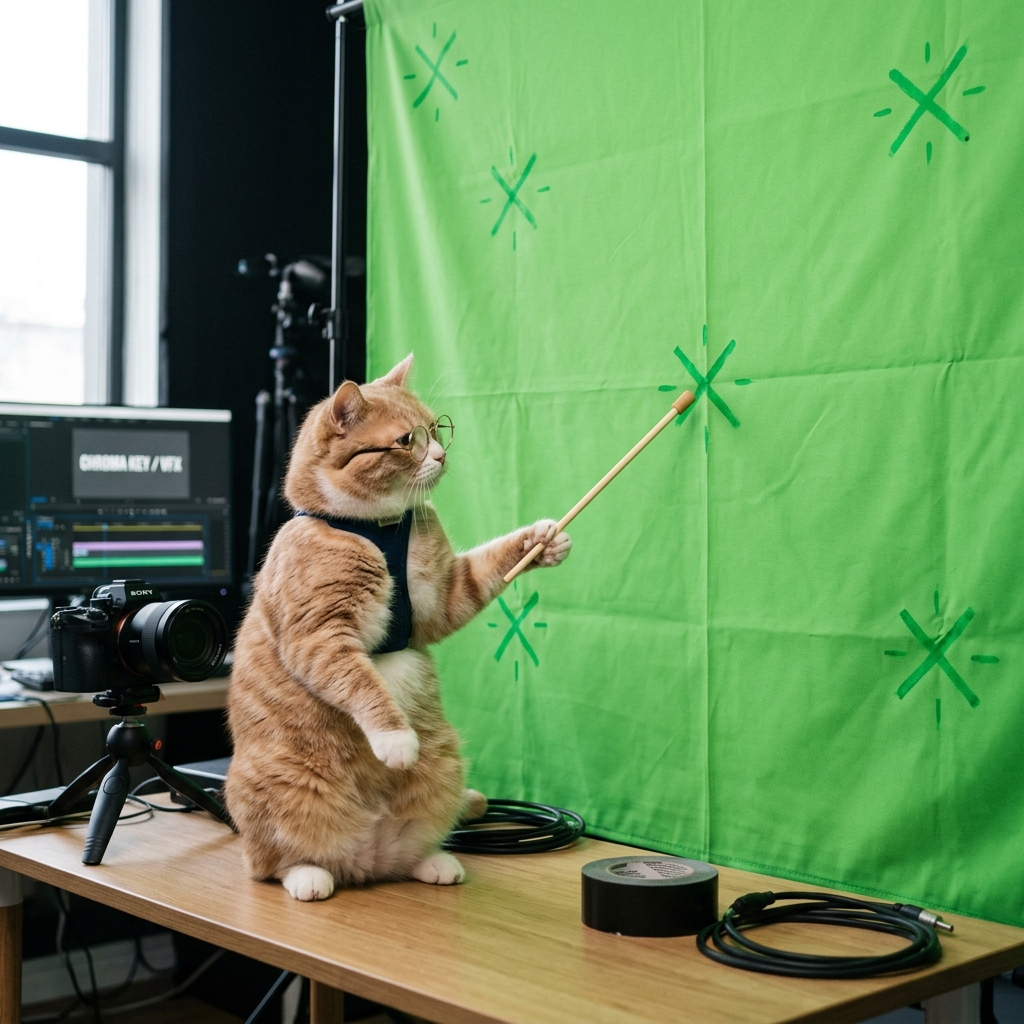
FIG_02: A humorous comparison visual — trying to teach Nuke's CopyCat how to analyze spatial tracking features on a greenscreen to guide its learning process.
2. Skin & Beauty Work (Digital Makeup)
Standard smoothing filters often blur skin textures, making actors look plastic and unnatural. By manually painting and cloning skin blemishes on 4 or 5 reference frames, CopyCat learns to apply the skin-fixing behavior while preserving natural skin textures and the organic movements of facial muscles.
3. Wire & Rig Removal (Complex De-rigging)
Rig removal on busy, dynamic backgrounds like metal fences, rustling leaves, or moving crowds is a massive pain. With CopyCat, you paint out the wire on 3 or 4 keyframes. The model learns the pattern of surrounding pixels and deletes the wire across the entire sequence in minutes.
4. Image De-blurring (Focus & Motion Correction)
If a camera pans too fast, introducing distracting motion blur, or if a camera operator misses focus slightly, you can sharpen and paint a few clean reference frames. Feeding these into CopyCat allows it to learn the translation from blurry to sharp, restoring lost detail across the rest of the shot.
5. Smart Edge Padding (Eliminating Dark Outlines)
When pulling a chroma key, dark halos or green spills around fine hair outlines are incredibly common. Traditional edge-extend tools often stretch pixels in rigid, unnatural directions. Training CopyCat to understand how organic hair edges blend with the real background light creates seamless, physically plausible edges.
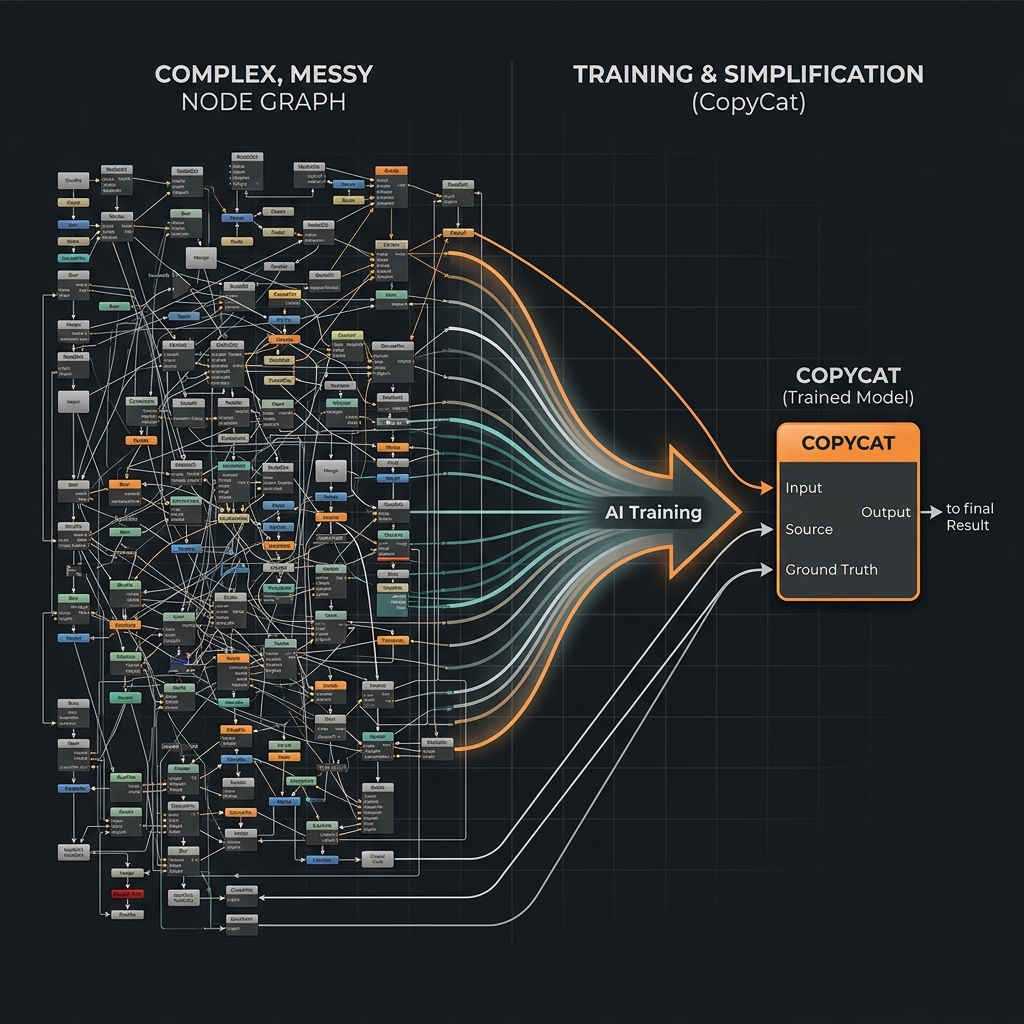
FIG_03: Node graph simplification diagram — showing a massive manually painted cleanup pipe collapsing into a single, clean CopyCat Inference node.
💡 The "Glowden" Rules of CopyCat Training
To ensure your digital kitten doesn't turn around and scratch you with broken pixels, here are my personal, hard-earned rules for real-world production:
[!TIP] 1. The Three Golden Frames Rule Do not waste time manually painting 20 frames right at the start. Pick just three golden frames that represent the entire shot: the first frame, a middle frame with high motion, and the final frame. Run a quick, short training run (around 10,000 steps) to check the results. If the direction looks promising, only then should you add more reference frames. This saves hours of rendering time!
[!WARNING] 2. Garbage In = Garbage Out AI is an incredibly literal copycat. If your Ground Truth frame has a slightly jagged roto edge, a small paint smudge, or color bleeding, your
.catmodel will faithfully copy those errors and spray them across all other frames. Your reference frames must be 100% flawless.
[!NOTE] 3. Degrain Before You Train High-frequency camera noise and film grain confuse the neural network's pixel analysis, leading to flickering and chattering. Always run your plates through a clean Denoise or Degrain node before training. Once the Inference node outputs its clean pixels, apply a proper Regrain matching the original plate at the end of your script.
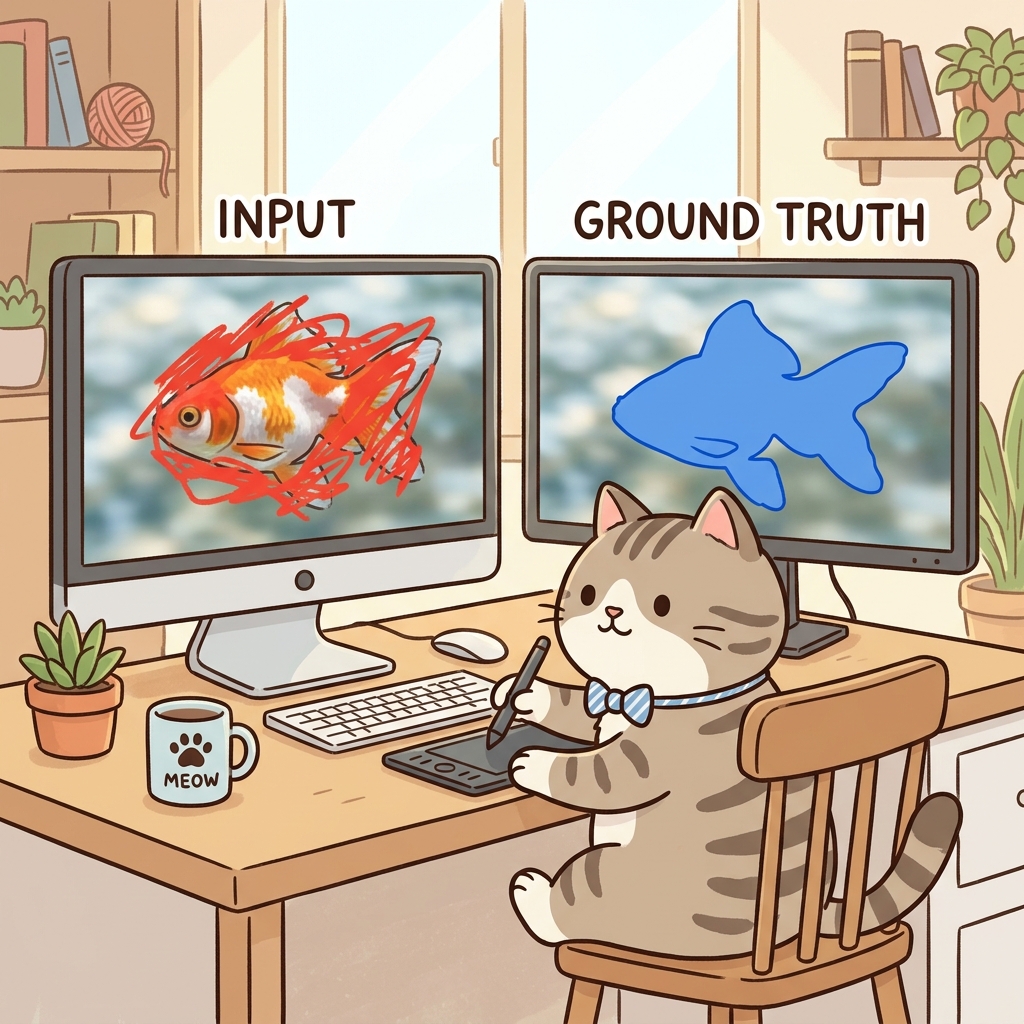
FIG_04: A simple illustration of how CopyCat trains: comparing the raw edge-fringed image (Input) against the meticulously cleaned work (Ground Truth) to teach the model how to copy your exact actions.
🔍 The Reality Check: Knowing the Limitations
Sharing floor knowledge means telling the truth without filters. CopyCat is highly efficient, but it does have limitations you must plan for:
- Hardware Intensive: Training neural models demands robust local GPU hardware with high VRAM (NVIDIA RTX 3080/4080 or better). Older workstations will slow your iteration speed down significantly.
- The Time-Value Tradeoff: For a short 20-frame shot, manually rotoscoping or painting is often faster than preparing training datasets and waiting for a machine learning model to train. Always evaluate the time-value tradeoff before starting.
- Drastic Lighting Variations: If a shot features heavy strobe lights, camera flashes, or extreme color shifts, the model can struggle to differentiate between the physical shapes and the changing light values, leading to visual artifacts.
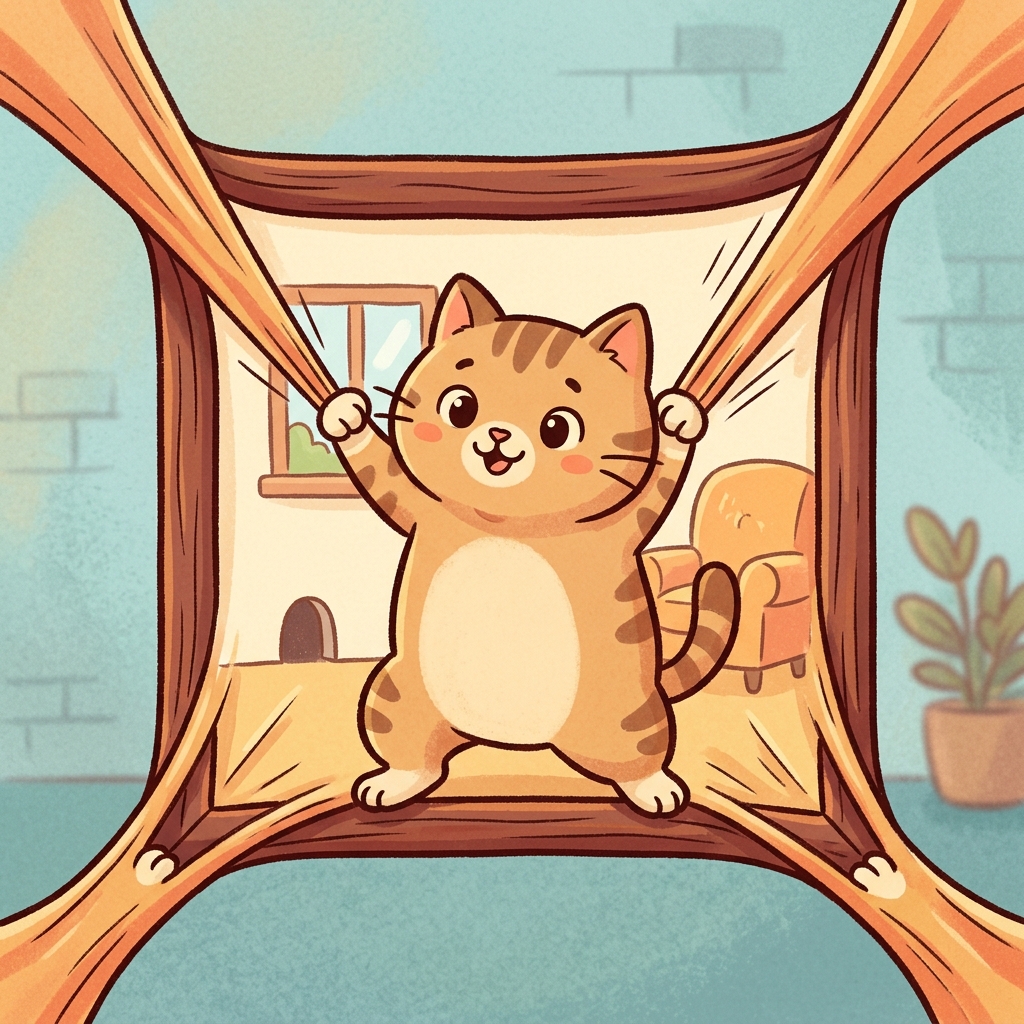
FIG_05: A simple, charming cartoon visual representing pixel padding — how CopyCat stretches and feathers hair or matte edges to blend seamlessly with backdrops.
💡 Summary: Delegate the Heavy Lifting, Retain Your Artistic Soul
The integration of artificial intelligence and machine learning in our 2026 pipelines is a massive advantage. It frees us from acting as "pixel labor," letting us escape repetitive tasks and focus on artistic choices—like scene lighting, color harmony, and composition decisions that AI cannot replicate.
Remember that CopyCat is a highly skilled assistant, but it lacks artistic judgment. Your eyes, your understanding of camera lenses, your sense of depth, and your commitment to seamless integration are what ultimately decide whether a shot passes the supervisor's desk and lands on the silver screen.
When you walk into the studio this week, pick a long, challenging shot and start training your first .cat model. Don't be afraid to break things—it is the only way to learn and grow into a highly capable lead compositor in this modern era. Have fun training your Nuke kittens!